




|
By clicking Subscribe, I agree to receive advertising and other marketing messages from Rock Bottom Sales under the terms of the Privacy Policy and User Agreement. |
|
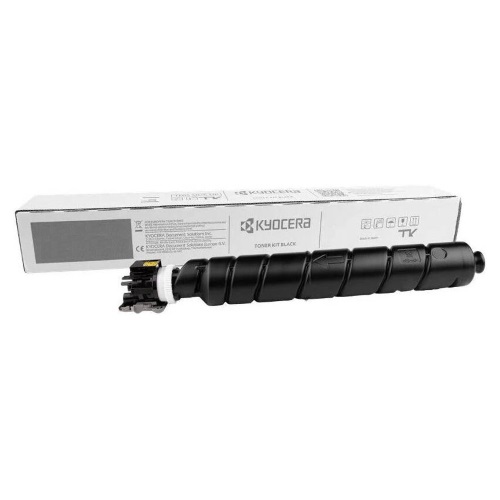
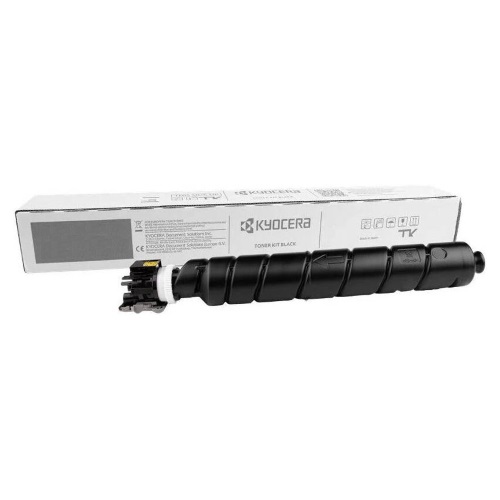
Kyocera TK-6357 1T0C2N0US0 Black Toner Cartridge
Kyocera TK-6357 TK6357 Black Toner Cartridge, High-Yield 1-Pack for TASKalfa MZ4001i,MZ5001i,MZ6001i,MZ7001if Series with chip 40,000 Pages Office & Home Use, Compatible for Kyocera TK-6357 TK6357 Black Toner Cartridge, High-Yield 1-Pack for TASKalfa MZ4001i,MZ5001i,MZ6001i,MZ7001if Series with chip 40,000 Pages Office & Home Use
| $119.13USD | Retail $143.89 |
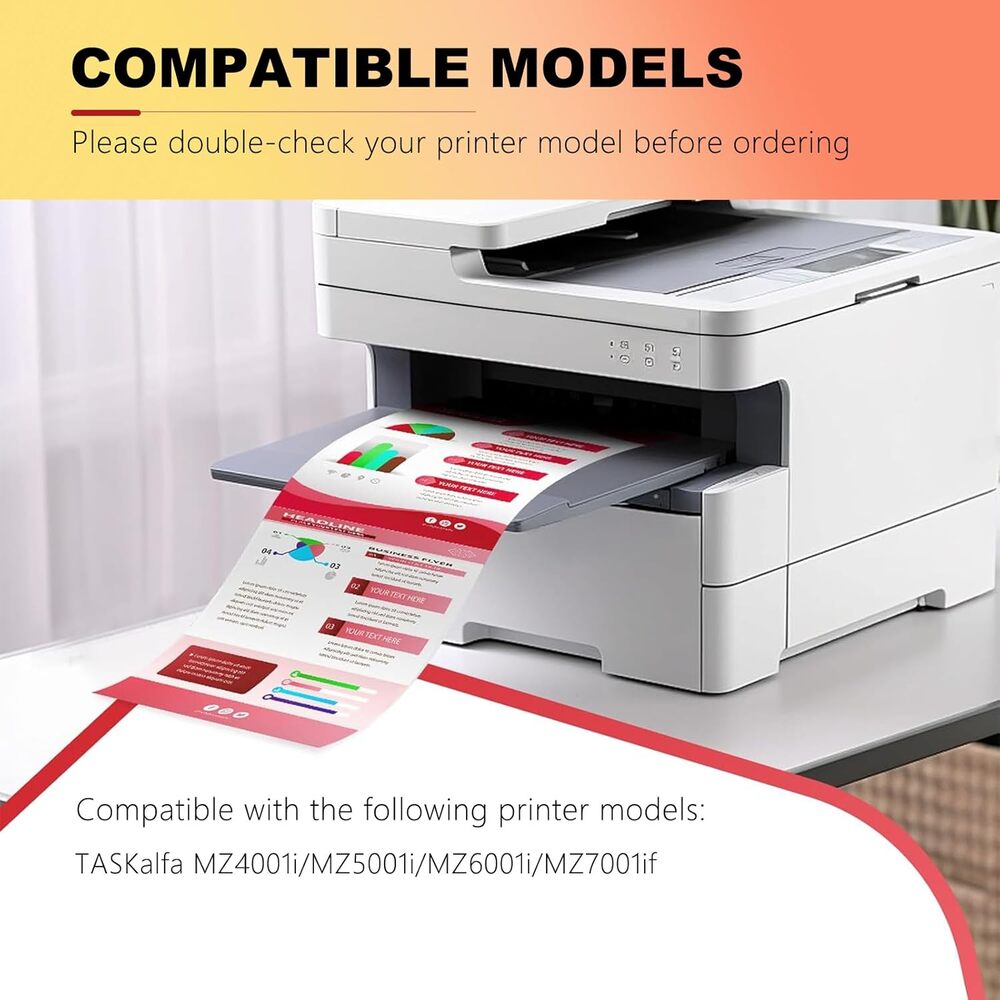
- PERFECT PRINTER COMPATIBILITYEngineered for Kyocera TASKalfa MZ4001i/MZ5001i/MZ6001i/MZ7001if series. Delivers clear, professional text and graphics right out of the box.
- EXCEPTIONAL PAGE YIELD40,000 High-capacity design provides extended usage - ideal for busy offices. Reduces replacement frequency for maximum value.
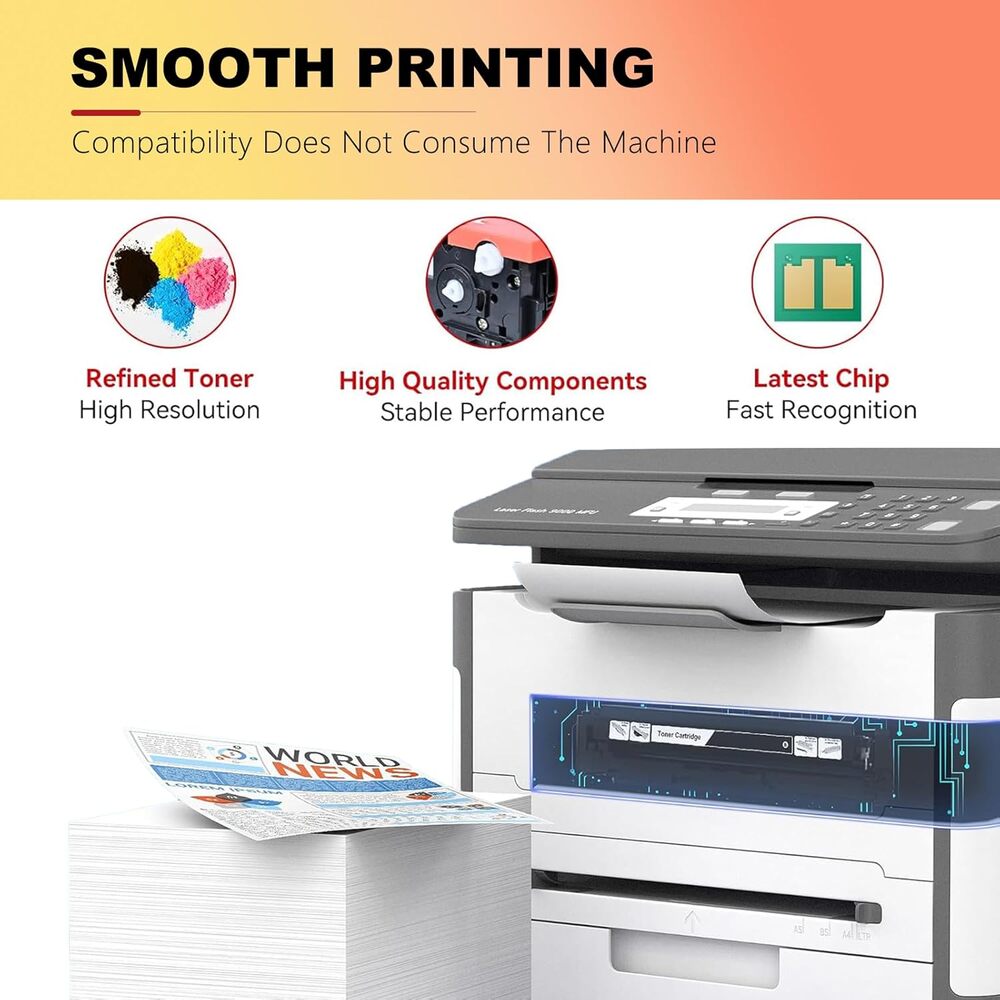
- SMART-CHIP TECHNOLOGYIntegrated chip ensures accurate toner monitoring and error-free printing. Maintains reliable performance throughout cartridge life.
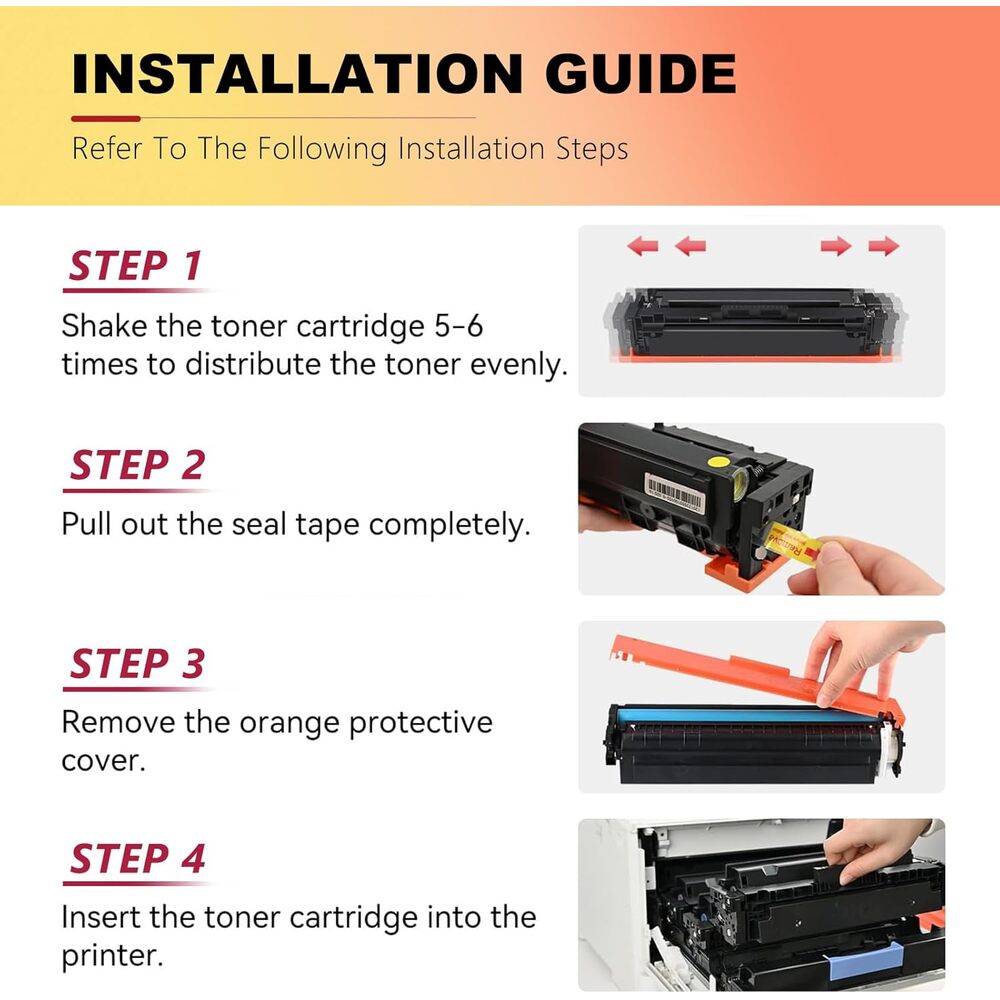
- LEAK-PROOF & EASY SETUPReinforced sealing prevents messy leaks. Simple snap-in installation gets you printing in seconds without hassle.
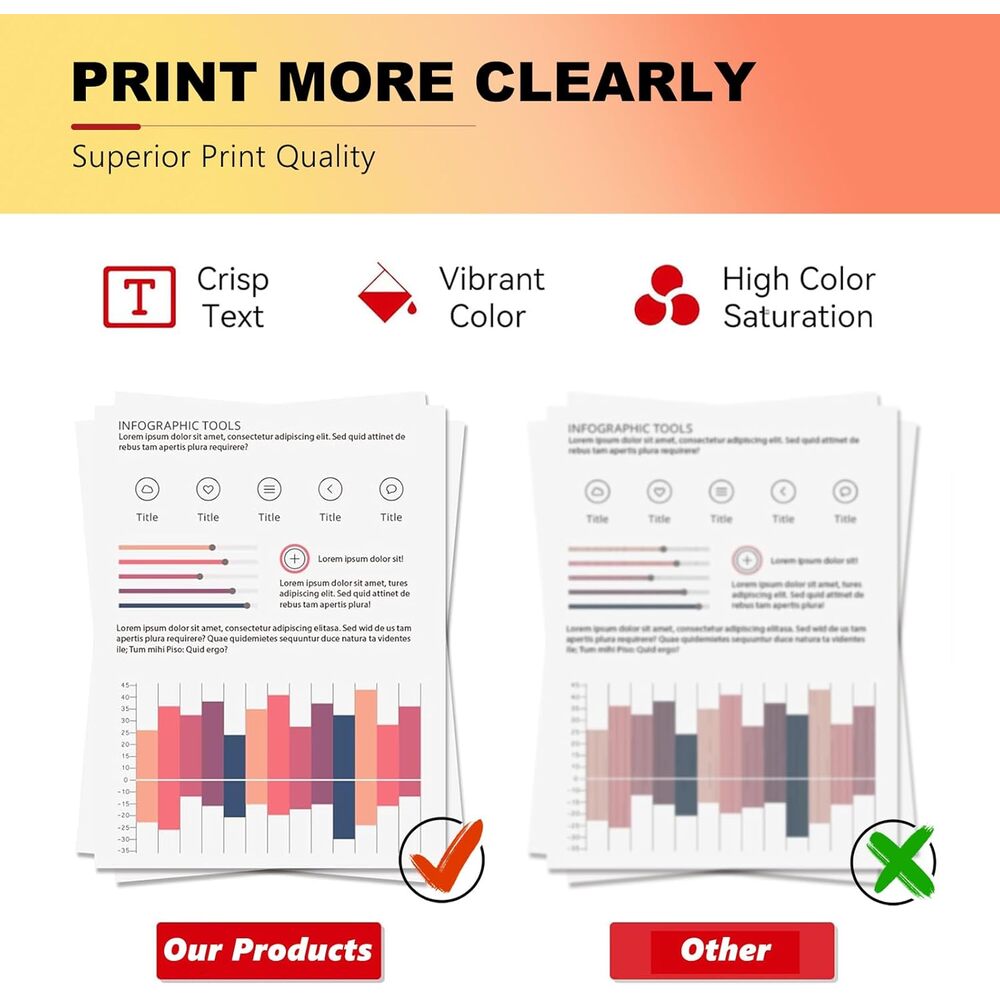
- CONSISTENT PRINT QUALITYEngineered for uniform performance from first to last page. Dependable operation ensures professional results every time.
Manufacturer:
Kyocera-Mita
Item:
TK-6357
Our Part #
KYOTK6357
Condition
New
$119.13USD EA
$143.89
$143.89
Availability
In Stock
Product description
Before Installation Q: What should I do before installation to prevent issues with a non-original toner? A: You should disable automatic firmware updates. Navigate to: Setup → Printer Maintenance → Update the Printer → Printer Update Options → and select "Do Not Check." If asked "Do you want to turn on Printer Updates?", choose "No." Common Issues & Fixes Q: What should I do if the printer shows "Unrecognized Cartridge" or "Cartridge Error"? A: 1.Reinstall the cartridge: Remove it and firmly reinsert it. 2.Check for parts: Ensure all protective covers and tape have been removed. 3.Clean the chip: Wipe the cartridge"s electronic chip gently with a dry, soft cloth. 4.Restart the printer: Power it off, unplug it for 1-2 minutes, then plug it back in and turn it on. Q: How can I fix black lines, spots, or a gray background on my prints? A: 1.Print a few blank pages to help clean the drum. 2.Gently shake the toner cartridge to redistribute the powder inside. 3.Clean the inside of the printer according to the printer manual. Q: My prints are too light or blurry. What can I try? A: 1.Shake the toner cartridge horizontally about 10 times. 2.Go into your printer"s settings and increase the print density. 3.Make sure you are using fresh, dry paper. General Reminders Q: What should I do if I see a warning about a "Non-original" or "Altered/Cloned" cartridge? A: Don"t worry. Simply press OK or Continue to proceed. The cartridge will function normally despite this message. Need Help? Q: What if I still need help after trying these tips? A: Please contact the seller directly through Amazon by clicking the "Contact Seller" option on your order. They are ready to assist you.
Specifications
Brand
ACCOER
Compatible Devices
TASKalfa MZ4001i/MZ5001i/MZ6001i/MZ7001if
Date First Available
December 24 2025
Item model number
JZYCP01
Manufacturer
ACCOER
Color
Black